
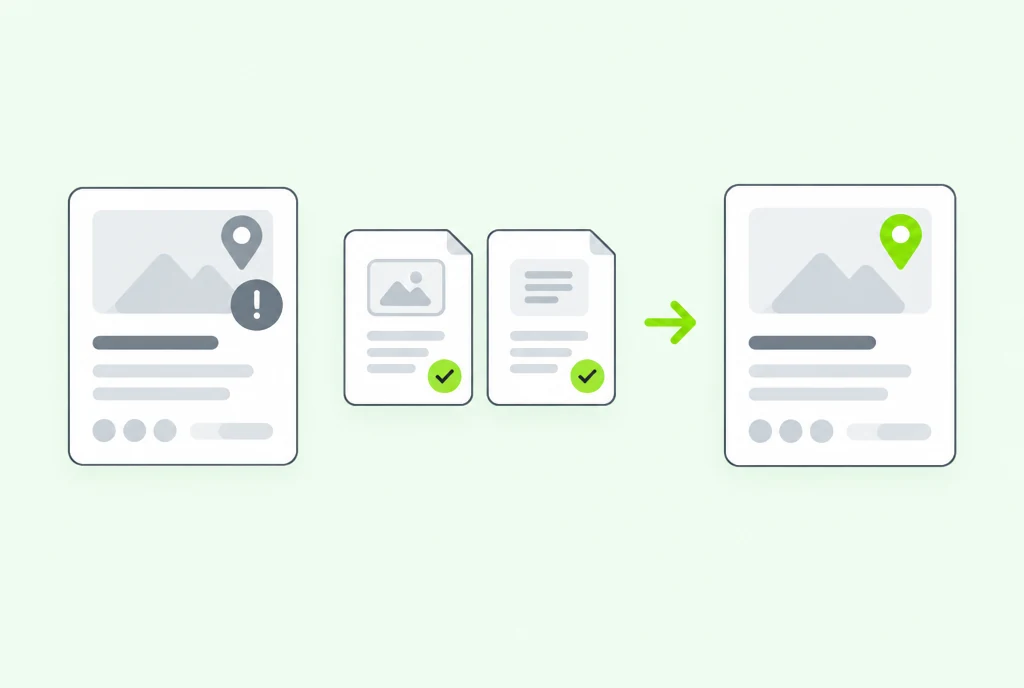
Why profiles get suspended
Google says it may suspend or disable Business Profiles that do not follow its guidelines. In practice the cause is usually one of these, all taken from Google's own rules:
- Extra words in the business name. The name should be your real business name. Google's guidelines rule out marketing taglines, service descriptions and similar additions.
- An address you do not staff. PO boxes and mailboxes at remote locations are not allowed. Virtual offices are not eligible unless they are staffed during business hours. A co-working space needs clear signage, has to receive customers during opening hours, and must be staffed by your own people.
- A service-area business showing its address. If you travel to customers, Google says you should hide your address. This matters most when you work from home.
- A problem with the account, not the profile. If the Google account managing the profile is restricted for a policy breach, every profile it manages is suspended, and it cannot create or claim new ones.
Before you appeal
Fix the cause first. An appeal for a profile that still breaks a guideline is likely to fail, and you lose time waiting on it.
- Read Google's guidelines against your profile, line by line: name, address, categories and whether the address is shown.
- Correct anything that does not match how your business actually operates.
- Do not create a new profile for the same business while your appeal is under review. Google asks for this explicitly.
How to appeal
Appeals go through Google's Business Profile appeals tool, where you select the suspended profile and start the process. Google recommends supporting evidence such as:
- official business registration (Google does not name an ABN record, but it is the registration most Australian businesses can show)
- a business licence, if your trade or profession requires one
- tax certificates
- utility bills for the business: electricity, phone, water or internet
One rule catches people out. The business name and address on every document must match the profile you are appealing for. Gather your documents before you start.
After you are reinstated
Keep the profile boring. Make changes one at a time, keep the name exactly as registered, and make sure the details on your website match the profile. If map results drive most of your enquiries, it is worth having someone check the profile against Google's guidelines every few months. Our local SEO service includes that check.
Sources
- Google Business Profile Help: suspensions and the appeals tool (opens in a new tab), checked 5 Oct 2026
- Google Business Profile Help: guidelines for representing your business (opens in a new tab), checked 5 Oct 2026
How this article was made: Alex Yeldizian researched it and checked every claim against the sources below, with AI helping to organise and summarise the notes. Reviewed on 27 October 2026.